Ship Cardmarket orders in minutes, not hours
Generate shipping labels in bulk and sync tracking codes back automatically — no more copy-pasting between Cardmarket and your shipping provider.
Trusted by professional Cardmarket sellers
app.cardsync.eu
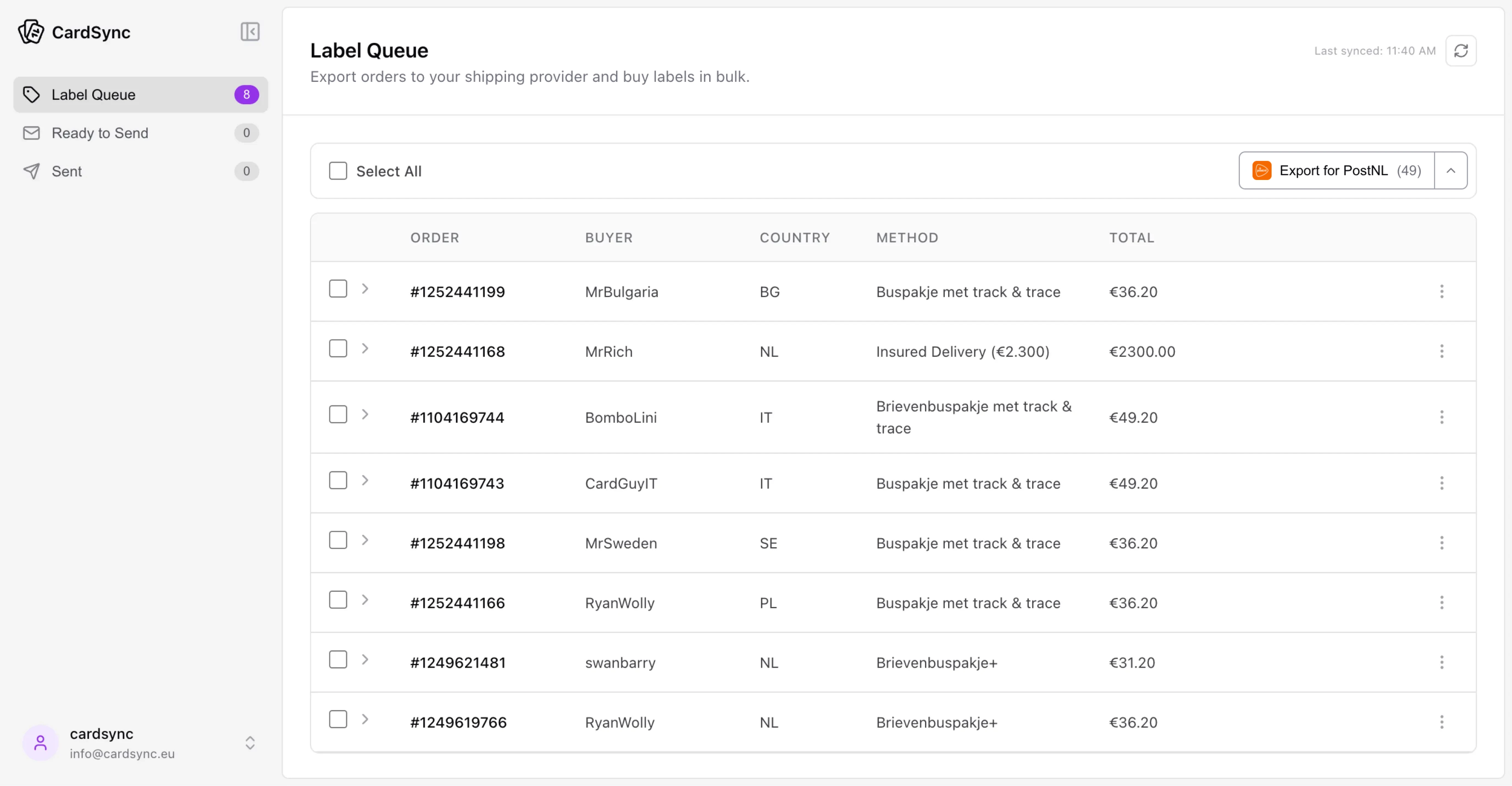
Generate shipping labels in bulk and sync tracking codes back automatically — no more copy-pasting between Cardmarket and your shipping provider.
Trusted by professional Cardmarket sellers
30–60 orders processed in under 5 minutes
We process 30–60 tracked orders a day. With CardSync it takes less than 5 minutes to generate all shipping labels and sync tracking codes back to Cardmarket. No more copy-pasting or creating labels one by one. Huge quality-of-life improvement.

 · Powerseller · 100K+ sales
Especially helpful during new releases
I love it. When I manually create tracked shipments it is a slow process, it means copying and pasting between systems. CardSync removes all of that and makes the workflow much smoother. It's especially helpful during pre-sales or new releases when dozens of orders come in at once.

 · Professional · 45K+ sales
CardSync removes all the manual steps between Cardmarket and your shipping provider.
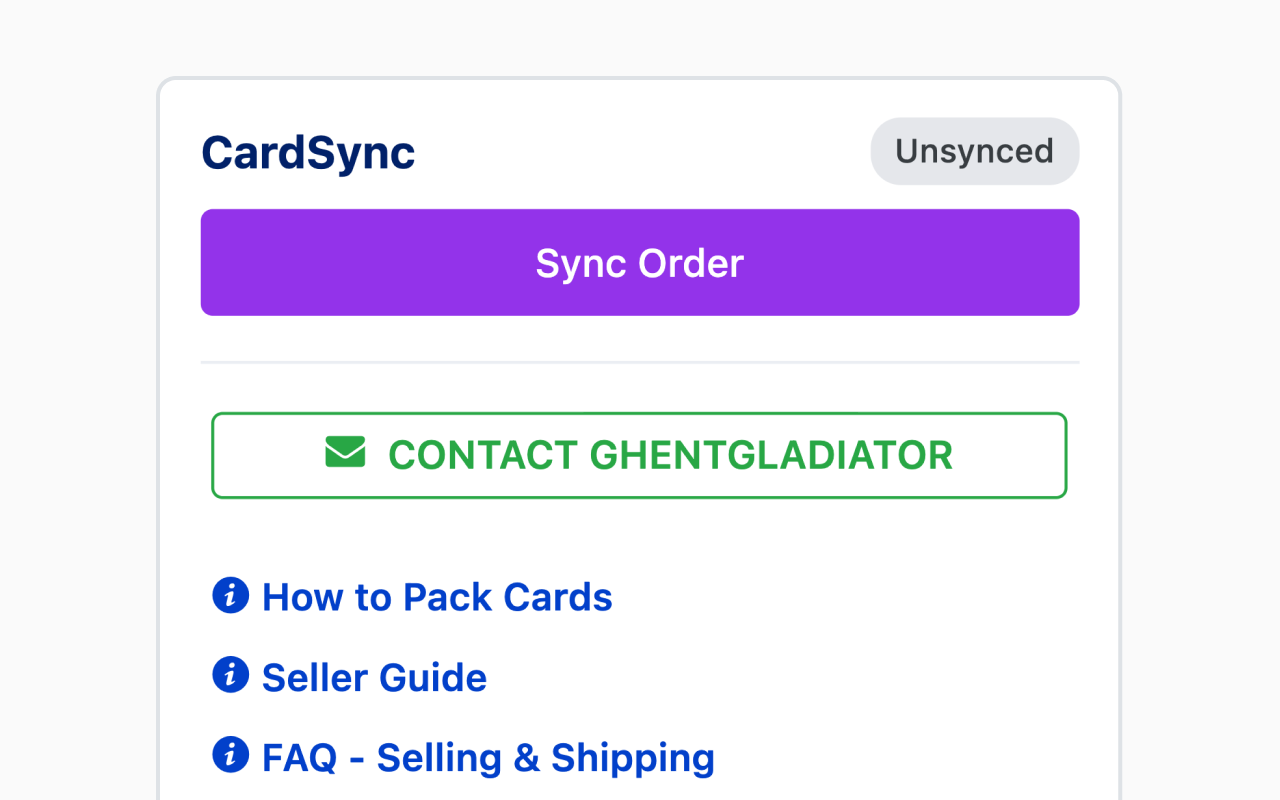
Our Chrome extension adds a button to Cardmarket order pages. One click syncs the address and shipping details to CardSync.
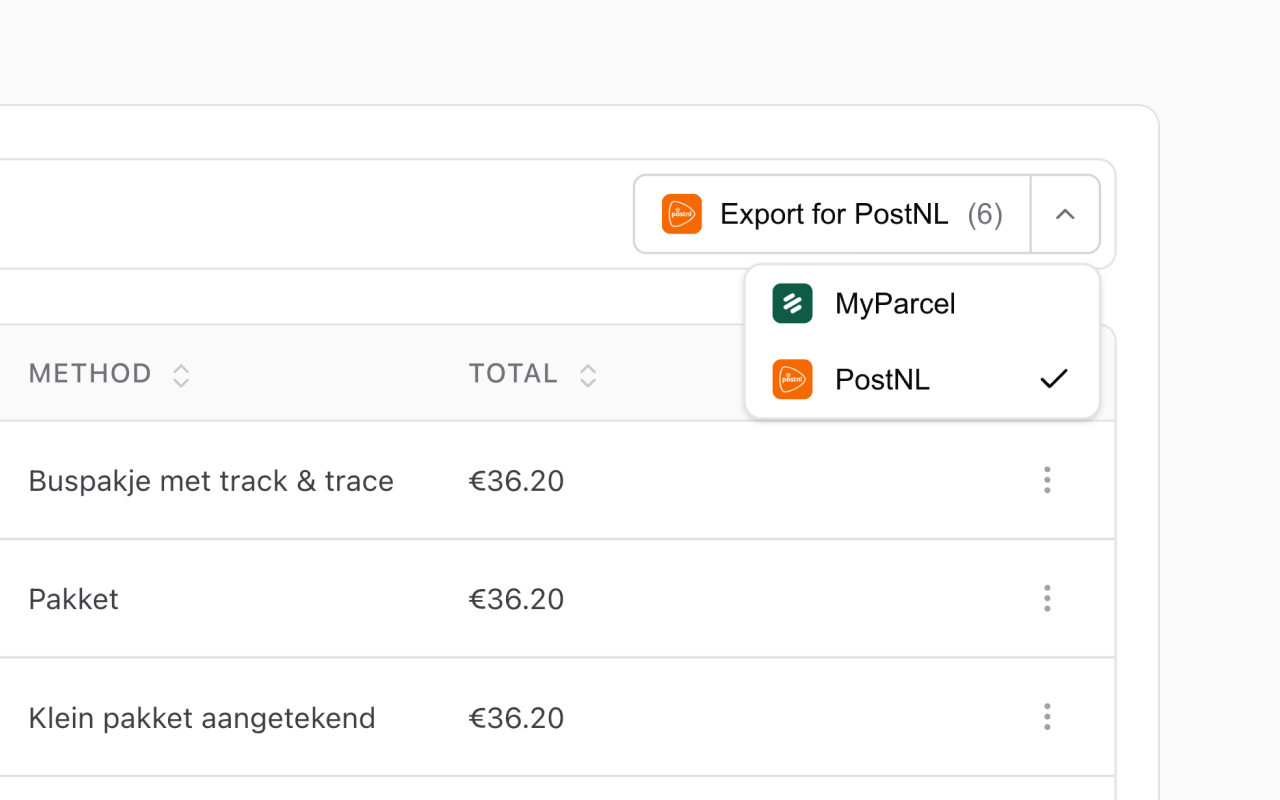
Manage orders in the CardSync dashboard. Export to MyParcel or PostNL and buy all your labels at once.
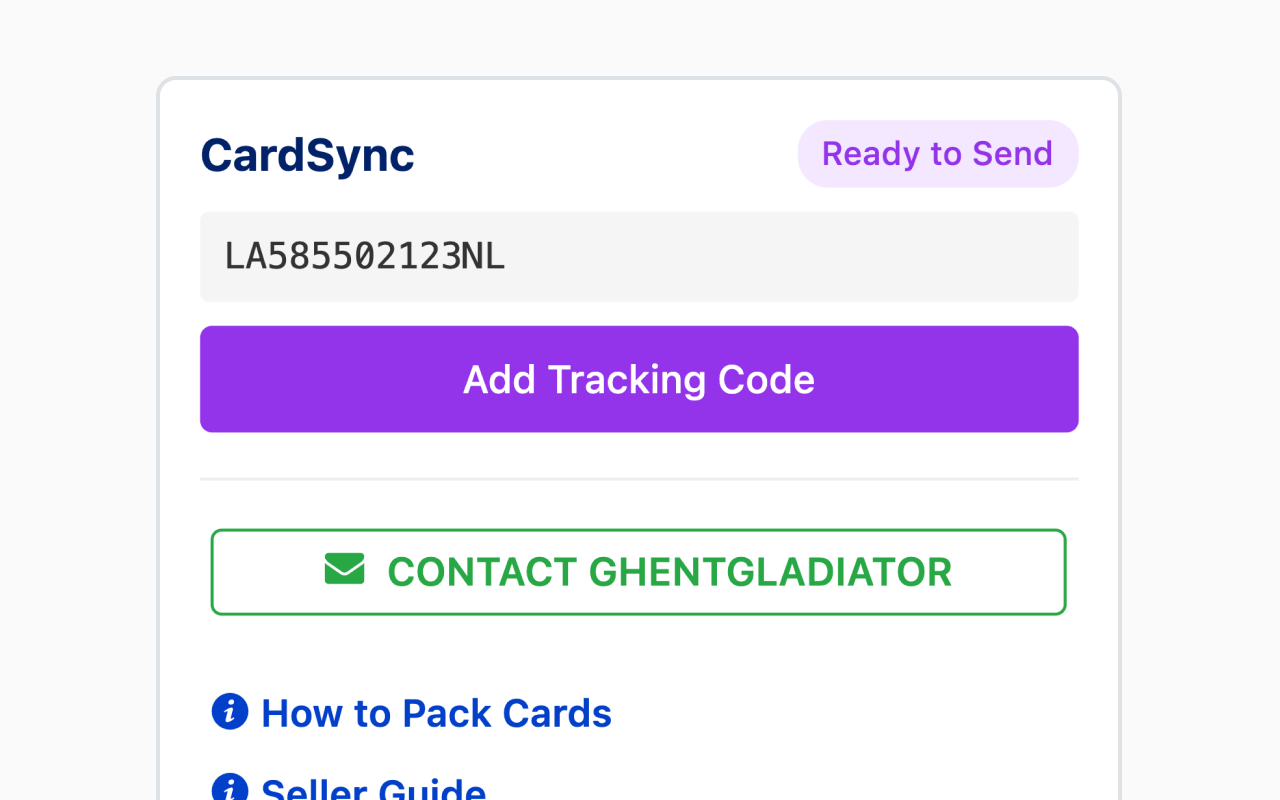
CardSync automatically syncs tracking codes from your shipping provider. Add them to Cardmarket with one click.




See how much manual time CardSync removes from your monthly shipping workflow, without changing how you already ship.
CardSync integrates seamlessly with Cardmarket and your shipping provider. You continue using the same platforms you already know - CardSync just automates the copying and pasting between them. Install our Chrome extension, and you'll see sync buttons directly on Cardmarket order pages.
We currently support MyParcel and PostNL for Netherlands-based sellers. We're actively adding support for Sendcloud and DHL, with more carriers coming based on user demand. If you use a specific carrier, let us know when you sign up!
Absolutely. Buyer addresses are stored only long enough to generate your shipping labels and are automatically deleted once you mark an order as shipped. We don't use tracking cookies, don't share data with third parties, and all data is hosted in the EU. CardSync is GDPR compliant by design. Read our Privacy Policy for full details.
CardSync is completely free right now. If we introduce paid plans in the future, all existing users will be notified well in advance and any upgrade will be entirely opt-in — you'll never be charged without actively choosing to do so.
No technical knowledge required! If you can use Cardmarket and your shipping provider's website, you can use CardSync. The Chrome extension adds simple "Sync" buttons to your workflow - just click and go. Setup takes less than 5 minutes.
CardSync is live and working, but still in active development. We're continuously improving the product and expanding to more countries. As an early user, you'll have direct access to us — your feedback genuinely shapes what we build next.
Yes, absolutely. During early access, you can stop using CardSync anytime with no obligations. When we launch paid plans in the future, you'll have the option to continue or cancel - no long-term contracts or commitments.